Accessible Experiences
Accessible customer experiences
Review accessibility from finding a service through to its outcome, including information, ways to act, help routes and follow-up.
An accessible customer experience lets people find a service, understand what it asks of them, complete their task and recognise the result. Review the whole task: information, contact routes and follow-up. A usable website cannot make up for a required phone call a customer cannot use.
Follow one customer goal
Choose a task with a clear outcome, such as correcting the contact details used for future notices. Trace it from the first instruction a customer sees to the point where they can tell the correction has taken effect, including a failed attempt and the route for getting help.
Use five stages to follow this task: entry, information, action, help and outcome. At each stage, look for what lets the customer continue and note what is missing if they cannot.
At entry, look for a route that lets customers find the contact-detail correction task. If they cannot locate where to begin, the task stops before they can act.
At the information stage, look for instructions that explain what contact details the customer can correct and that these details are used for future notices. If that information is absent or hard to understand, the customer may not know what to do.
At the action stage, look for a way to make the correction using the customer’s available tools and abilities. If the controls cannot be operated as intended, the task cannot progress to a submitted change.
At the help stage, look for a reachable way to ask for assistance and have the request carried through to an answer. If a required phone route cannot be used and no other route carries the request, help is not accessible.
At the outcome stage, look for an accurate indication that the correction has taken effect. If the customer cannot tell whether it worked, the task has no clear outcome.
At every stage, ask whether someone can make progress using the information and channel available to them. Look for instructions that depend on hearing, reading dense text or using a particular device; controls that cannot be operated as intended; and handoffs that lose the customer’s request.
Follow one customer goal: five stages to review accessibility
- EntryFind a route to start the task (e.g., correct contact details)
- InformationUnderstand what details can be corrected and why they matter
- ActionComplete the task using available tools or assistive tech
- HelpAccess support that carries the request through to resolution
- OutcomeReceive accurate confirmation the change took effect
Make support respectful and customer-led
When a task reaches a staff member, the interaction is part of the service, not a separate courtesy. Agree simple principles that help staff offer a dignified experience: treat the customer as expected, use the same respect and courtesy as with anyone else, and do not take control away from them.
Offer assistance politely, then wait for the customer to accept and explain what they need. Do not assume that a person with disability wants help or ask personal questions about their disability. Allow extra time for someone to do or say what they need to complete the task.
Training should be current and reinforced, so team members know how to follow the service principles consistently when customers need support. If the service involves physical premises, customers need to be able to get in and around independently for the service to be accessible.
Check the stages together
| Stage | What the customer needs | What to examine |
|---|---|---|
| Find the route | A recognisable way to start | Can people locate it from the places they would normally begin? |
| Understand the request | Clear conditions and next steps | Are terms explained, and is the important action easy to find? |
| Act | A workable way to provide what is needed | Can people complete the task with the devices, tools or assistance they use? |
| Get help | A route that can handle a problem | Does the alternative reach someone who can continue the same request? |
| Know the result | An accurate status or outcome | Does confirmation match what the service has actually done? |
The Australian Government’s Digital Inclusion Standard, published by the Digital Transformation Agency, includes a fifth criterion titled “Provide flexibility and choice”. The stages above are a service review framework, not a compliance test.
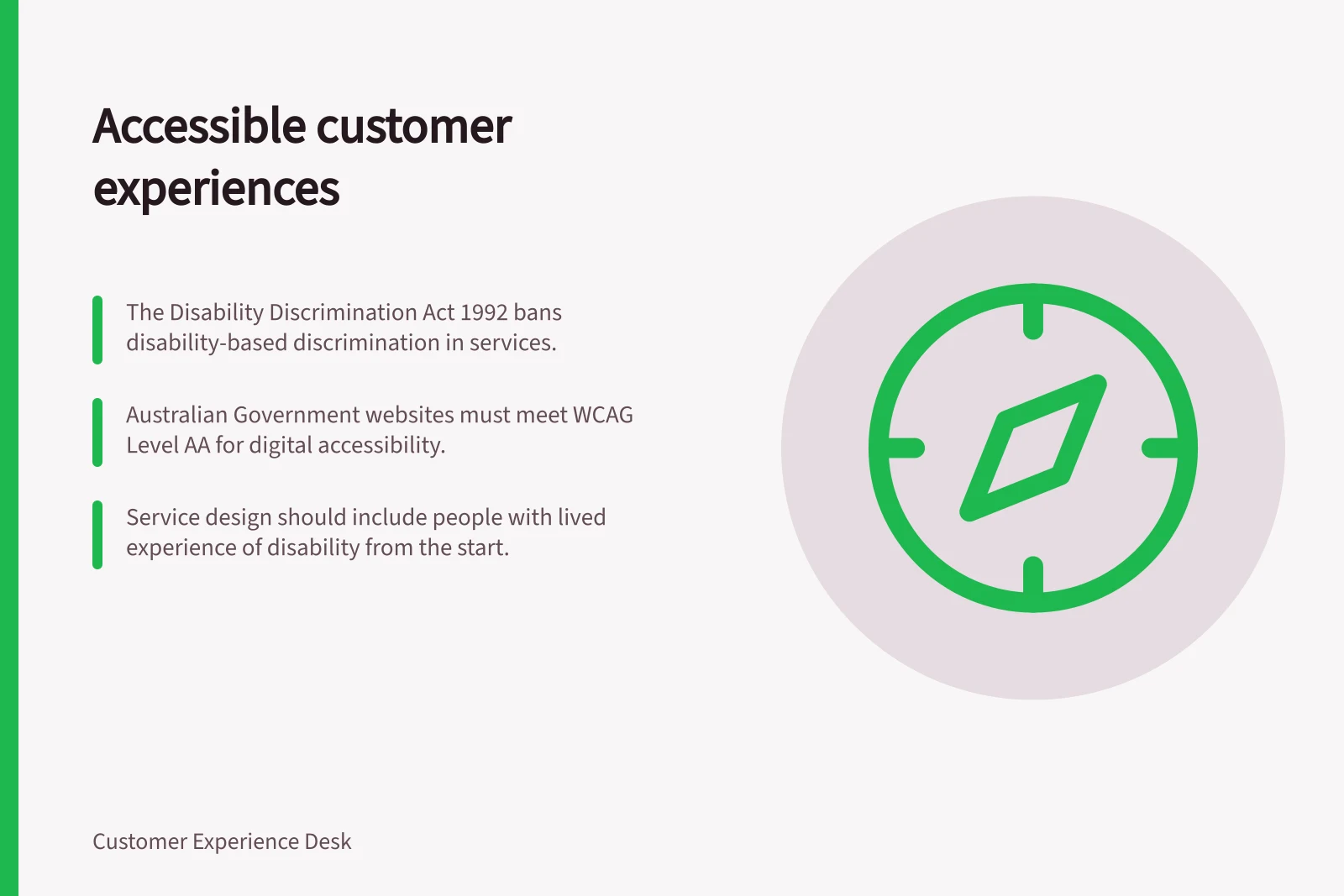
The Disability Discrimination Act 1992 (DDA) makes it unlawful to discriminate on the basis of disability in the provision of goods, services and facilities. Australian courts have found that this extends to websites. In 2021, 52% of disability discrimination complaints related to goods, services and facilities.
The Australian Human Rights Commission’s Guidelines on equal access to digital goods and services assist organisations and businesses with their obligations under the DDA. The DDA does not itself set a single universally mandated technical standard.
Use customer evidence alongside checks
Invite people with relevant access needs to try the actual task or a safe version of it, using their usual tools where feasible, and include people who could not complete the current route. Use what participants show you to understand how they use assistive technologies and adaptive strategies, rather than treating the session as a checklist.
For a digital step, combine those sessions with technical accessibility checks. WCAG is the recognised international benchmark, and Australian Government websites are formally required to meet Level AA. For a web task, checks can include keyboard navigation, screen reader compatibility and captioned video where video is used.
Sessions provide evidence about how the task worked for the people involved. Passing a technical check cannot show whether a customer received the right service outcome. Record both findings against the same task.
Choose changes by the barrier
A customer who cannot understand an eligibility rule may need clearer wording. Someone who can submit a form but cannot tell whether it worked may need an accurate status. A person who cannot use the required phone route needs another route that can carry the request through to an answer. Investigate which condition applies before choosing a fix.
Match each change to the barrier it addresses, and keep an interim route visible while the main route is being repaired. Check the customer outcome afterwards rather than treating every completed screen as a success. Keep the record focused on where progress stops and the outcome the customer needs.
Accessibility barriers and matching solutions
- Barrier
- Cannot understand eligibility rule
- Solution
- Simpler, clearer wording
- Barrier
- Cannot tell if form submission worked
- Solution
- Clear, accurate status message
- Barrier
- Cannot use required phone route
- Solution
- Alternative accessible help route (e.g., web chat, email)
Build accessibility into service design
Treat accessibility as a design consideration for the whole service, rather than a repair to make after launch. Involving people with lived experience of disability during design and development, not only at evaluation, can help a team understand how customers interact with its services. This includes how people use assistive technologies and adaptive strategies, and how to develop changes around those needs.
Consider whether service policies, design guidelines and strategies support the intended customer task, as well as whether the interaction itself works. Co-design testing and walkthroughs of premises can help teams consider both the service and the environment in which customers use it.
Embedding accessibility in the design of products, services and environments can reduce the costs of retrofitting them later. A change made early can also benefit people beyond those whose access needs first prompted it.
Building accessibility into service design
- Involve people with disability earlyDuring design and development, not just testing
- Use co-design and walkthroughsFor both digital and physical service environments
- Embed accessibility from the startReduces retrofitting costs and benefits all users
In this guide
- Including customers with different access needs in researchRecruit around the customer task, arrange accessible participation and report what sessions can and cannot show.
- Reviewing service information for plain languageReview a service page or message for clear action, accurate conditions, familiar words and a next step customers can use.
- Testing alternatives to a phone-only service processCompare a phone task with another route from entry to verified outcome, including access, protection, ownership and follow-up.
- Recording accessibility barriers without guessing customer abilitiesWrite barrier records that separate observed actions, service responses, customer accounts and explanations still to check.