Accessible Experiences
Part of Accessible customer experiences
Including customers with different access needs in research
Recruit around the customer task, arrange accessible participation and report what sessions can and cannot show.
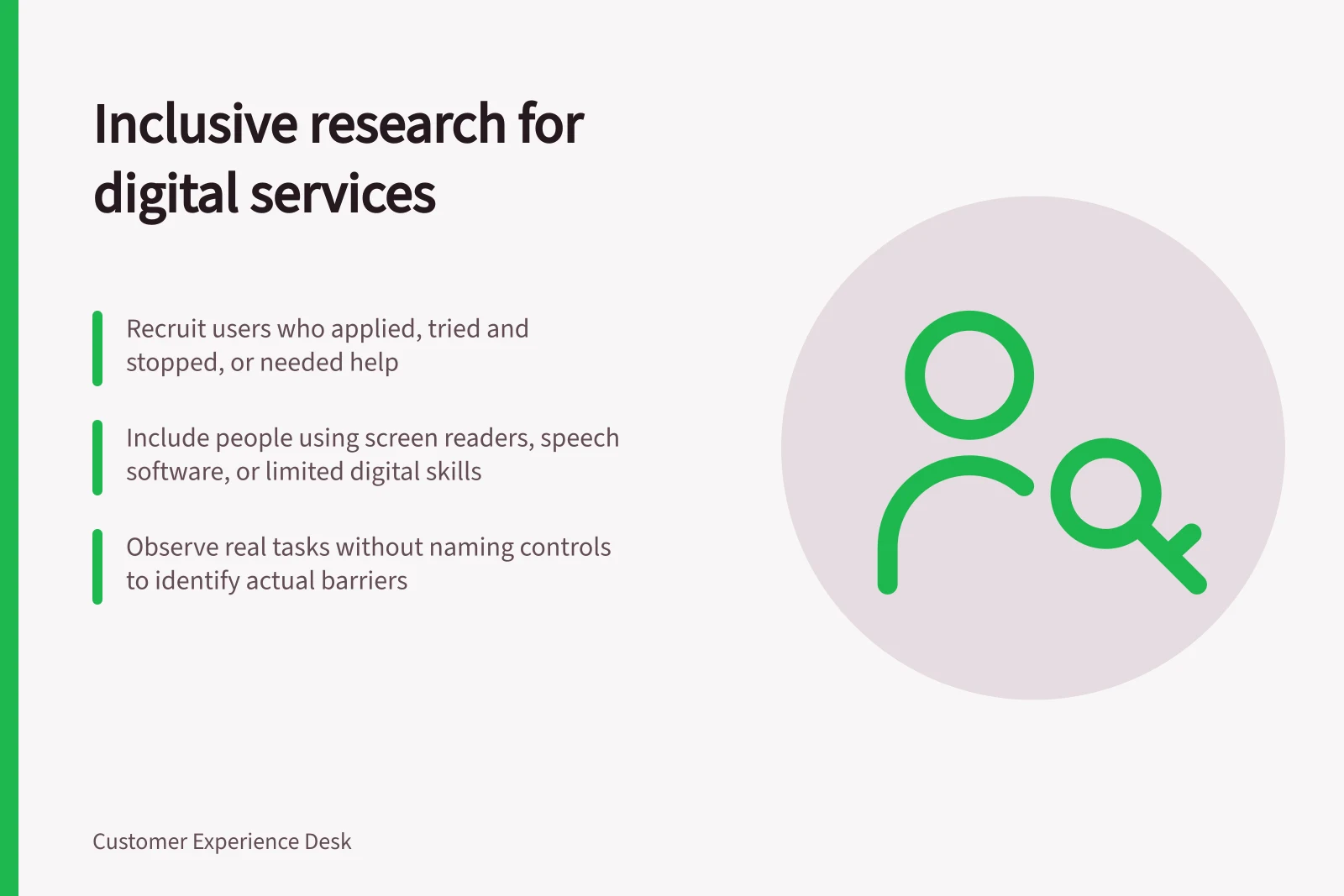
For an online application study, include people who completed the application, tried and stopped, or needed help. Recruit for access routes relevant to the task, then ask each person what will help them take part. Get informed consent before the session and report only what the sessions show.
Key facts from government guidance on inclusive research
- Include users who completed, tried and stopped, or needed help
- To capture full user journey
- Disability label ≠ experience of the task
- Screen based on actual access routes used
- Consent must be informed and documented
- Before any session begins
- Report only what sessions show
- Avoid overgeneralising findings
Recruit for the task and route
Include people who recently applied, tried and stopped, or needed help. Screen for relevant ways of accessing the service, such as using a screen reader or speech-recognition software, having limited digital skills or poor literacy, or accessing the internet only at a library or day centre. A disability label alone does not describe someone’s experience of the task.
Use channels your organisation maintains, such as Yammer, LinkedIn, meet-up groups, social media groups or external newsletters. You can also work with peak bodies or not-for-profit organisations, or invite existing customers who have agreed to be contacted about research. A market or research company or platform may help; ask about its experience recruiting disabled participants and provide screening criteria tied to the task.
Recruiting only through completed applications will miss some unsuccessful attempts, while a phone-only invitation can exclude people who cannot use that route. Record each recruitment source and any groups it appears to miss. A community organisation may help you reach people, but check that those recruited fit the service task.
Arrange participation with the person
Ask what would help each person take part, such as a written invitation, an information sheet in a usable format, a different session format, more time, an interpreter or their own assistive technology. Allow time to set up equipment.
Ask participants to bring the assistive technology they use, because their personal settings can be hard to recreate on another device. If someone cannot bring their technology, consider visiting them.
For an in-person session, meet the participant at reception or arrange for someone to do so. Find out how to guide a blind or partially sighted person, explain where the accessible toilet is and what will happen if the fire alarm goes off. Do not pet an assistance dog unless the participant says you can.
Give participants an information sheet during recruitment, in language and a format they can use; offer to read it aloud if helpful. Explain who is doing the research, its purpose, what data you will collect, what will happen, how results will be used and shared, and how long data will be kept.
Also explain whether the session will be observed and recorded, who is responsible for the data, any other organisations processing it, participants’ rights and how to complain. Get a record that the participant understands and agrees to take part.
Make clear that participation is voluntary and people can stop or withdraw consent at any time. Explain how you will handle personal data and use it only within the consent given; ask your organisation’s legal and privacy team to check recruitment and data-handling arrangements.
Address the participant directly, including when an interpreter or helper is present. Ask before helping, and ask what someone meant if their speech or action is unclear rather than guessing. Factor interpreting and translation costs into planning, and consider whether payment is appropriate and how participants can access support.
Observe a real task, then limit the claim
Set a goal without naming the controls to use. Note where the participant starts, what they try, where the service stops them, any help provided and whether they reach the intended outcome.
Allow the person’s usual settings or tools when the setup permits. If a prototype does not work with those tools, test it later with working code and record the gap rather than calling the session a successful accessibility test.
After each session, separate the participant’s account, your observation and your interpretation. If one person cannot submit an application with a keyboard, that is a barrier observed in that session; it does not describe every keyboard user or establish how often the barrier occurs. Follow up with relevant technical checks and further users when a decision needs broader evidence.