Journey Mapping
Part of Accessible customer experiences
Testing alternatives to a phone-only service process
Compare a phone task with another route from entry to verified outcome, including access, protection, ownership and follow-up.
Test an alternative to a phone-only process by giving someone the same customer goal through another route, then checking the final result.
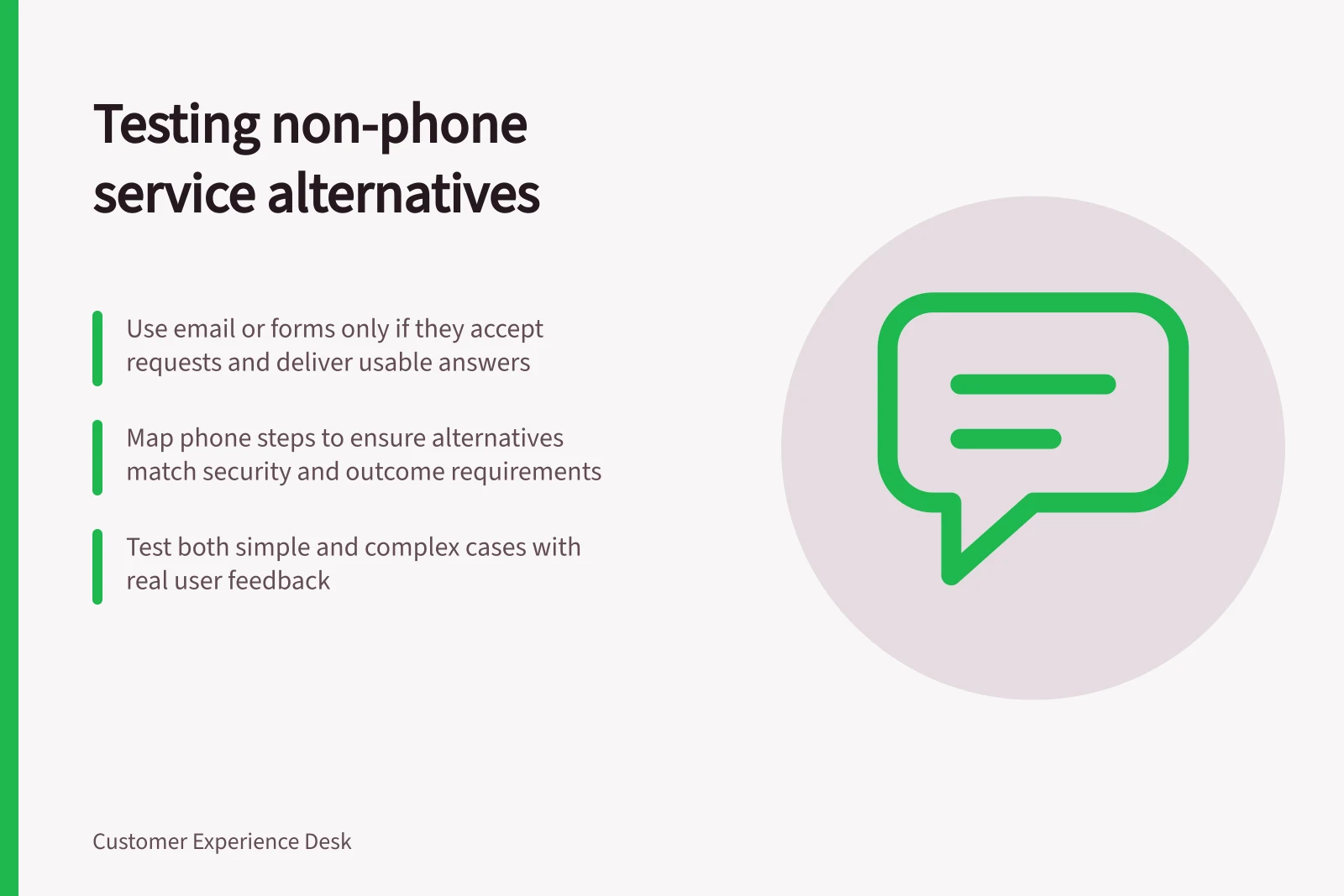
An email address or form counts as an alternative only if it accepts the request, passes it to a team that can act and returns an answer the customer can use.
Define what the phone call achieves
Choose a specific task, such as disputing a charge or changing an appointment. Map the call: how the person finds the number, what information is requested, how identity is checked, what decision is made and how the result is confirmed.
Before designing another route, record which steps staff currently handle in conversation and why.
Do not assume one written route fits every customer. A secure form may suit a structured request; a monitored message route may handle an exception; an in-person route may be needed for some services.
Each option needs clear availability, a workable response process and a way to follow up.
Australian Government digital-inclusion guidance supports flexibility and choice across channels for government digital services. For other organisations, the same questions can inform a proposed service design.
Compare complete routes
| Check | Phone route | Proposed alternative |
|---|---|---|
| Entry | Can the customer find and use the number? | Can they find and use the new route? |
| Information | What must they explain during the call? | What must they enter or provide, and can they correct it? |
| Protection | How is access to account details controlled? | How will the alternative handle the same risk appropriately? |
| Ownership | Who acts after contact? | Who receives the request and owns the next step? |
| Outcome | How does the customer learn the result? | Can they obtain a usable result and follow up? |
Set the success condition before testing: for example, the appointment is changed in the relevant record and the customer receives accurate confirmation. Submission alone is an earlier milestone.
In a safe test, check the simulated service outcome; verify a live outcome only through an authorised process.
Run ordinary and difficult cases
Invite people who have relevant access needs to use a safe test version of the route. Include a routine request, missing information, an incorrect entry and a case that needs staff judgement.
Observe where participants pause, whether they can correct errors and whether they know what happens next. For a web form, include keyboard and assistive-technology use in the accessibility check; labels, instructions and error feedback matter to completing it.
Then trace the request beyond the interface. Did it reach the right team? Could staff act without making the customer restart by phone? Was the promised update sent, and was the outcome correct?
Keep unsuccessful and unknown cases visible. Consider replacing a mandatory phone step only when the alternative can carry that task through to its outcome with appropriate controls.